
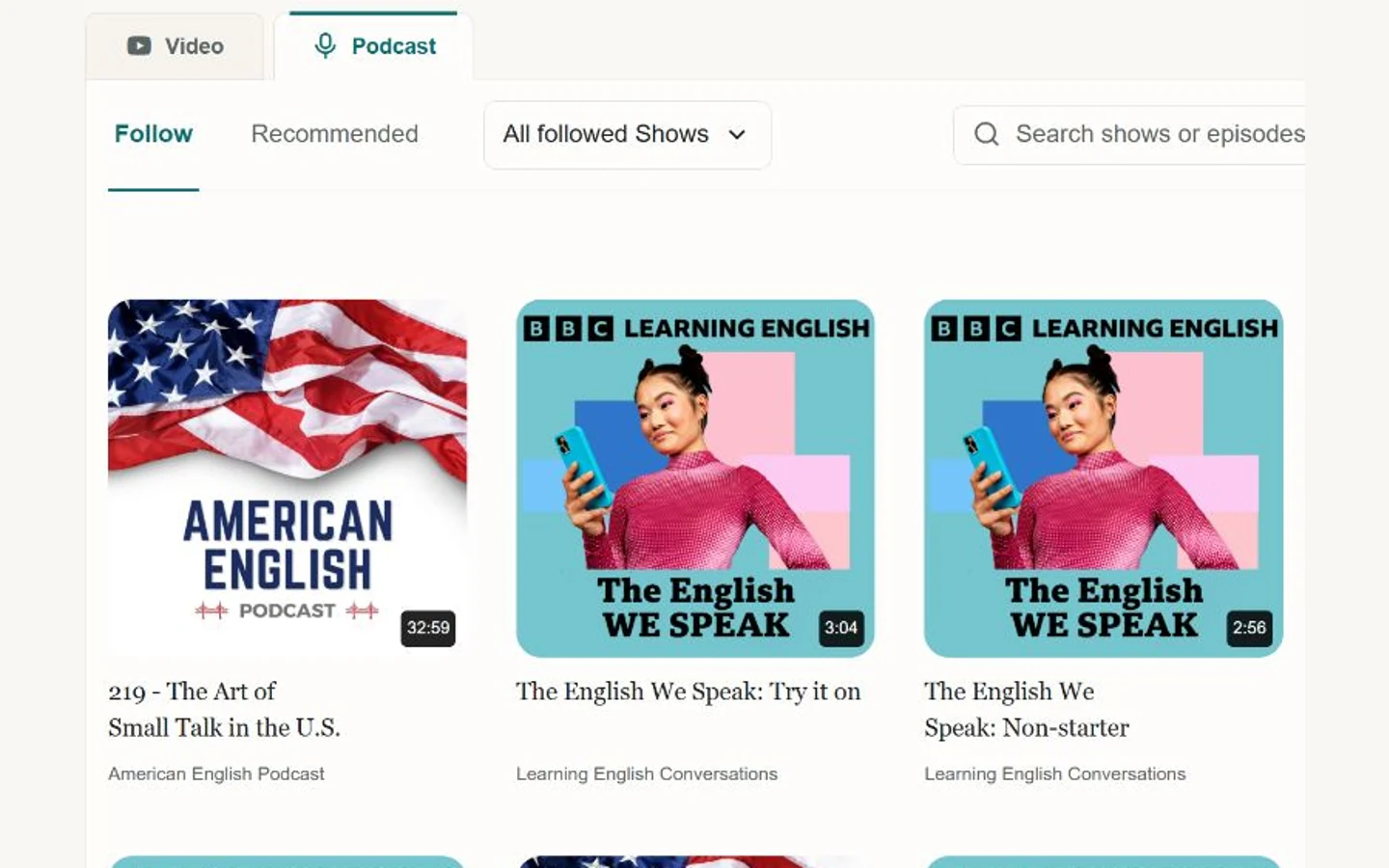
Podcasts give you sustained speech about a topic you care about. The difficult part is often staying with an unclear sentence while the episode keeps moving. LearnBit lets you study available episode text alongside playback and return to the part you want to hear.
Use it as a focused podcast player for language learning: understand a short passage, practise it and keep the useful expressions. English examples are one possible learning pair, not a restriction on the whole product.
Find an episode you can stay interested in
Explore podcasts in your learning language and follow shows you want to return to. Choose a familiar topic and a manageable passage; you can study one part closely without finishing the whole episode.
Set your learning and native languages in the app before using translated text or meanings. A bilingual transcript depends on the episode and selected language pair.
Listen first, then use the transcript to check
Begin with the audio and identify the main point. When available, open the transcript to locate an unclear sentence, replay it and check a word or structure. The aim is to reconnect the sound with the meaning, rather than read the translation from start to finish.
Change playback speed or repeat a short passage when needed. After checking the words, return to normal listening and see whether you can follow the same sentence without reading.
Try dictation on the sentence you missed
Use available dictation practice to enter what you hear, then compare with the reference text. An omitted small word, a word boundary or a familiar word in connected speech can be a more useful practice target than an entirely new vocabulary item.
Dictation here means a listening exercise. It is not a promise to provide a general speech-to-text service or downloadable transcripts for every podcast.
- Choose a short sentence rather than a whole episode.
- Listen and write what you hear before checking the text.
- Replay the particular phrase you missed, then hear it in the complete sentence.
Keep a useful expression with its episode
Save a word, phrase or sentence with its source and your own note. Where the source remains available, you can return to the corresponding text or playback position when reviewing.
Use supported speaking practice to record a short passage, or revisit saved vocabulary through LearnBit's review queue. Listening, understanding and review can use the same material instead of separate lists.
Check the episode's available tools
Transcript availability and accuracy vary by episode. Translation, analysis and speech feedback also depend on language support and account access. Look at the actual episode before planning a full practice session.
The website explains the workflow; listening and personal learning records belong in the signed-in app. Current plans and allowances are described on the pricing page.
Questions about this method
Do all episodes have transcripts?
No universal transcript availability is promised. Check the episode's existing subtitles or available processing options, and compare unclear text with the original audio.
Should I practise the whole episode?
You can listen broadly to an episode and study only a small part closely. Start with a passage you can understand after a little checking, rather than repeatedly struggling through material that is far beyond your level.
Can I use podcasts for shadowing?
A short, understandable passage with clear audio can be useful. Start with paused listen-and-repeat practice when continuous shadowing is too difficult; available recording and feedback tools depend on the selected language.