
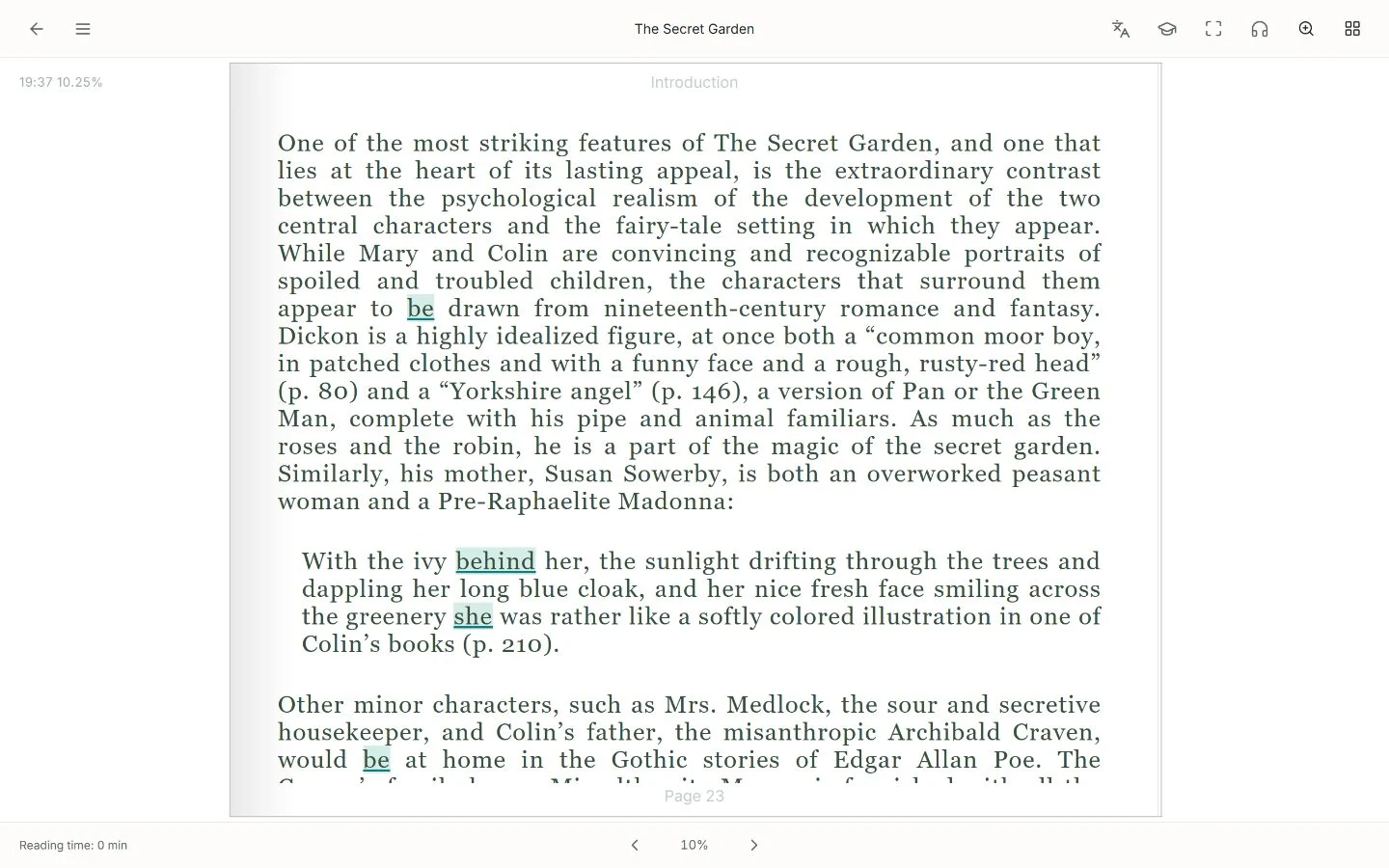
A book gives a word a story: who said it, what happened and why that expression belongs there. LearnBit's reader lets you work with your own EPUB materials while keeping lookup and sentence tools close to the text.
Read to follow the story, then stop for an expression that matters. Saved words and sentences can keep their source, so vocabulary review reconnects with a reading experience rather than a separate word list.
Start with your own EPUB
Import an EPUB you have access to in the app's library, then open it in the reader. Choose a book whose topic and language you can follow with occasional help. A short chapter is enough for a first session.
LearnBit supports your learning workflow around the text. It does not provide every book, unlock protected editions or turn this page into a file-conversion service.
Look up a word without losing the passage
Select a word or phrase to explore its meaning in the current context. Compare the explanation with the surrounding sentence: the same spelling can mean different things in another chapter.
When you know the individual words but not the sentence, use available sentence analysis to examine structure and phrases. Keep the original visible and decide whether the explanation fits the passage.
Save an expression you want to use
Keep a useful word, phrase or sentence with its source and your own note. A note can capture what a character meant, a phrase you want to try or a distinction you noticed.
You do not have to collect every new word. Choose expressions that recur, help you understand the story or fit your own interests.
- Read a short passage for its meaning.
- Check a small number of words that block understanding.
- Save a useful expression with its sentence and source.
- Continue reading before turning the session into a vocabulary list.
Return to your words with their context
Saved vocabulary can enter LearnBit's FSRS-based review queue. Review scheduling uses your vocabulary learning history; the reader does not promise that a particular number of reviews will make a word permanent.
Where the source is available, return to the passage to see how the expression works. Vocabulary review and sentence collections are related tools, but not every saved sentence has an identical vocabulary review schedule.
Choose the learning pair in the app
Learning language and native language determine the relevant meanings and tools. The website's display language is independent. English reading is one example; available features vary with your selected pair and account access.
Book format, text accessibility and the original edition can affect reading. This page focuses on EPUB reading and does not promise OCR of scanned pages or whole-book PDF translation. Visit pricing for current library and AI access.
Questions about this method
Do I need to buy a book from LearnBit?
This workflow uses your own supported EPUB material. You need access to the book itself; LearnBit provides reading and learning tools rather than a promise of a complete book catalogue.
Is this only an English reader?
No. Choose a learning and native language pair in the app. English examples illustrate the workflow, while word lookup, analysis and speech support depend on the selected languages.
Is this a whole-book translator?
The focus is understanding the original through selected words and sentences, then saving and reviewing expressions. It is not a promise to generate a fully translated edition of every book.