



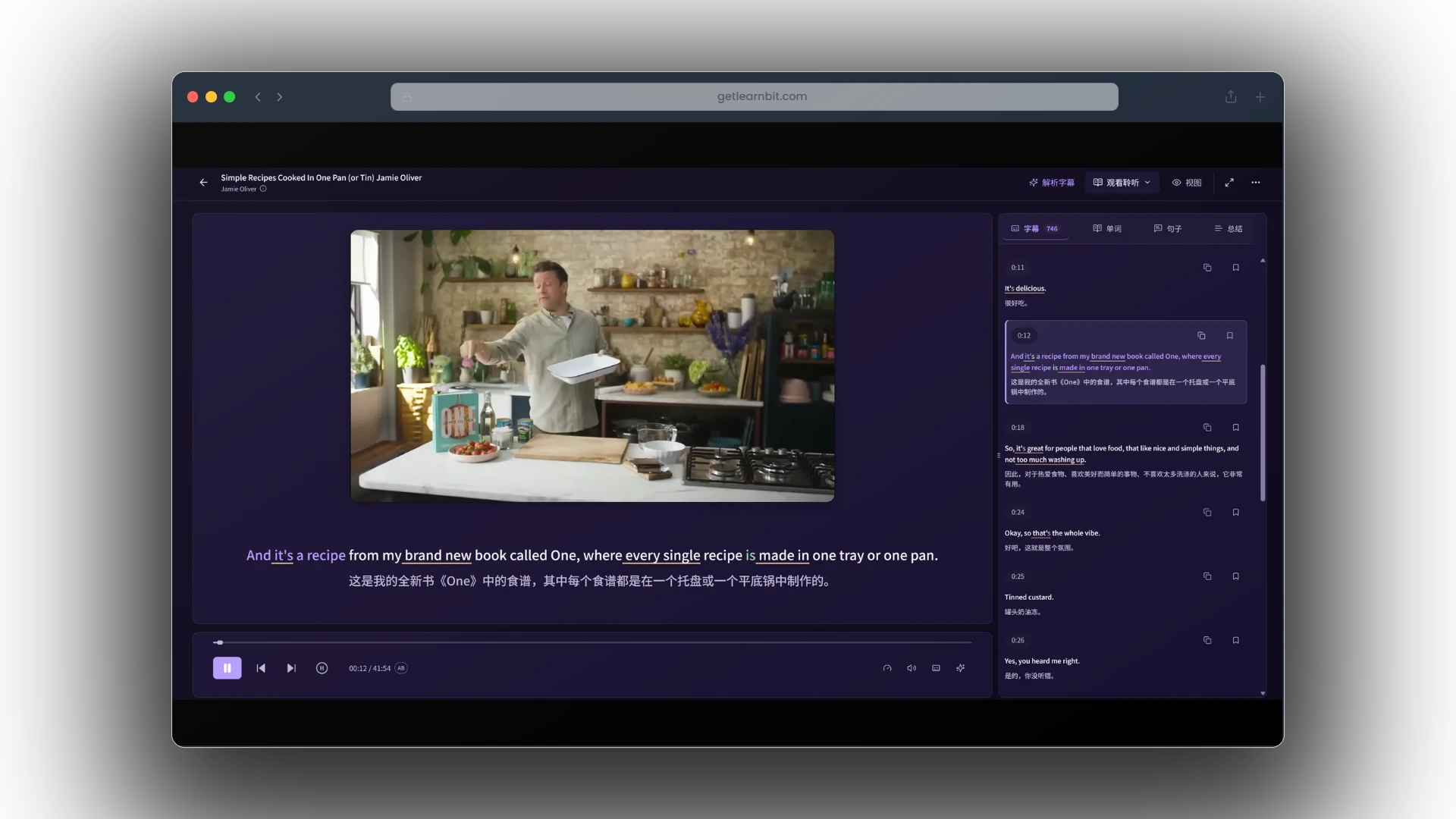

Find something you love.
Choose a video, a podcast, or your own reading material. Start with curiosity.
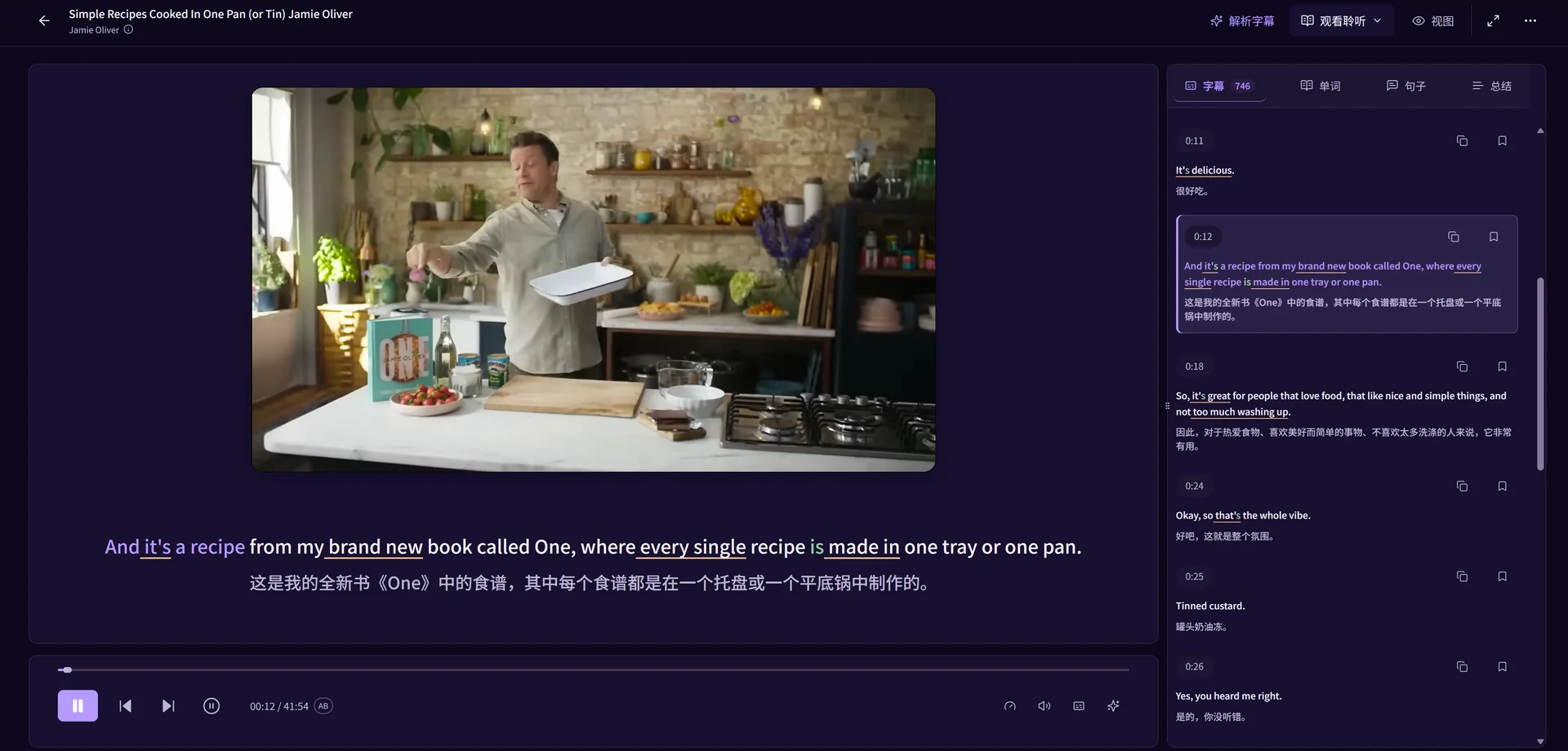
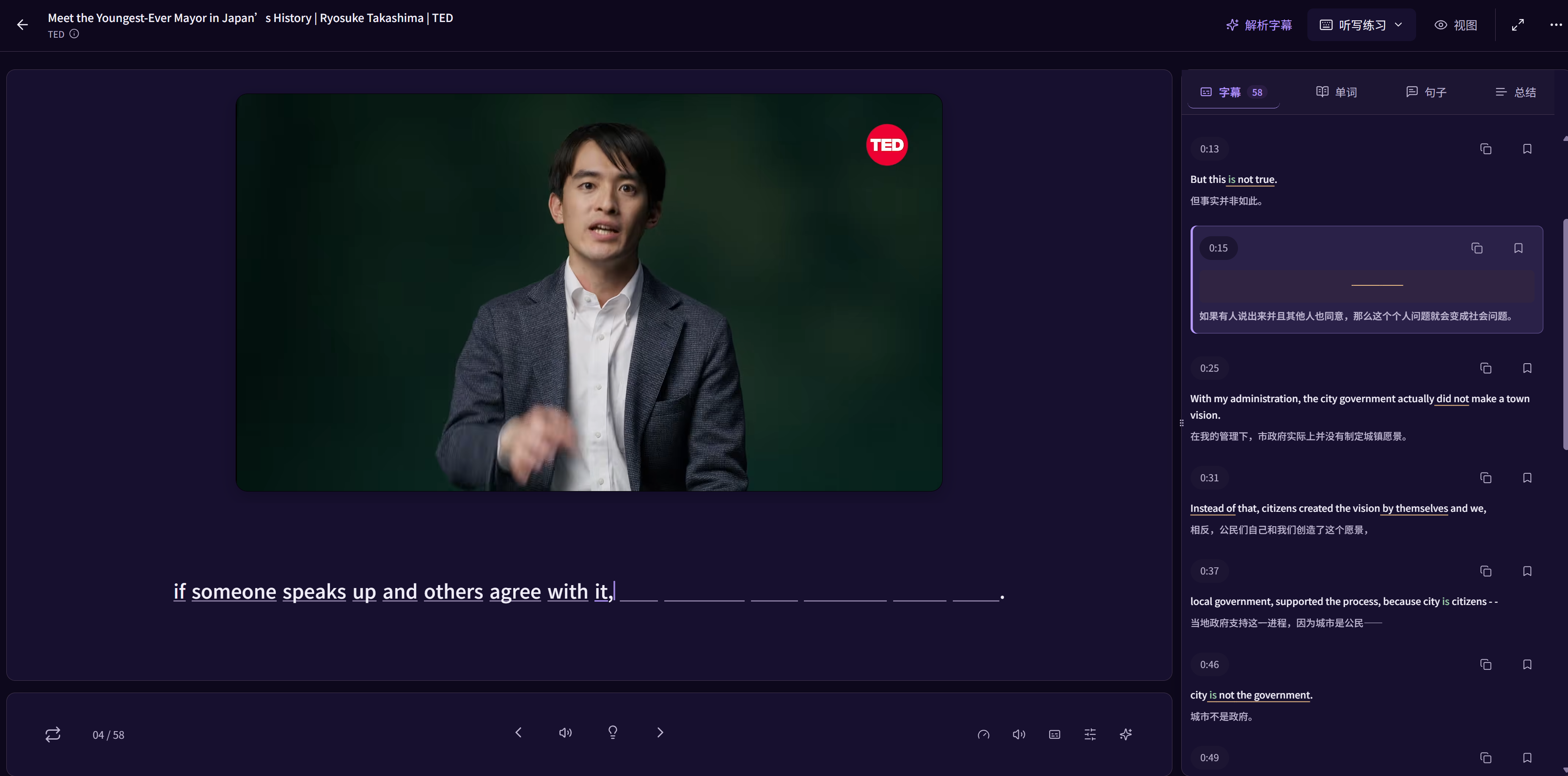
Learn languages with YouTube videos, podcasts and original texts. Replay a sentence, look up words in context, practise dictation and speaking, then review expressions with their source.
Explore learning methodsA world of content. Your way to learn.
The story keeps moving. Your learning should, too. Everything you need to understand, practise and remember, right where you found it.
A sentence gives a word a place to belong. Keep them together.
See how it worksOne continuous journey. From a moment of curiosity to something you remember.
Choose a video, a podcast, or your own reading material. Start with curiosity.
Look up words and explore sentences while the original content stays close.
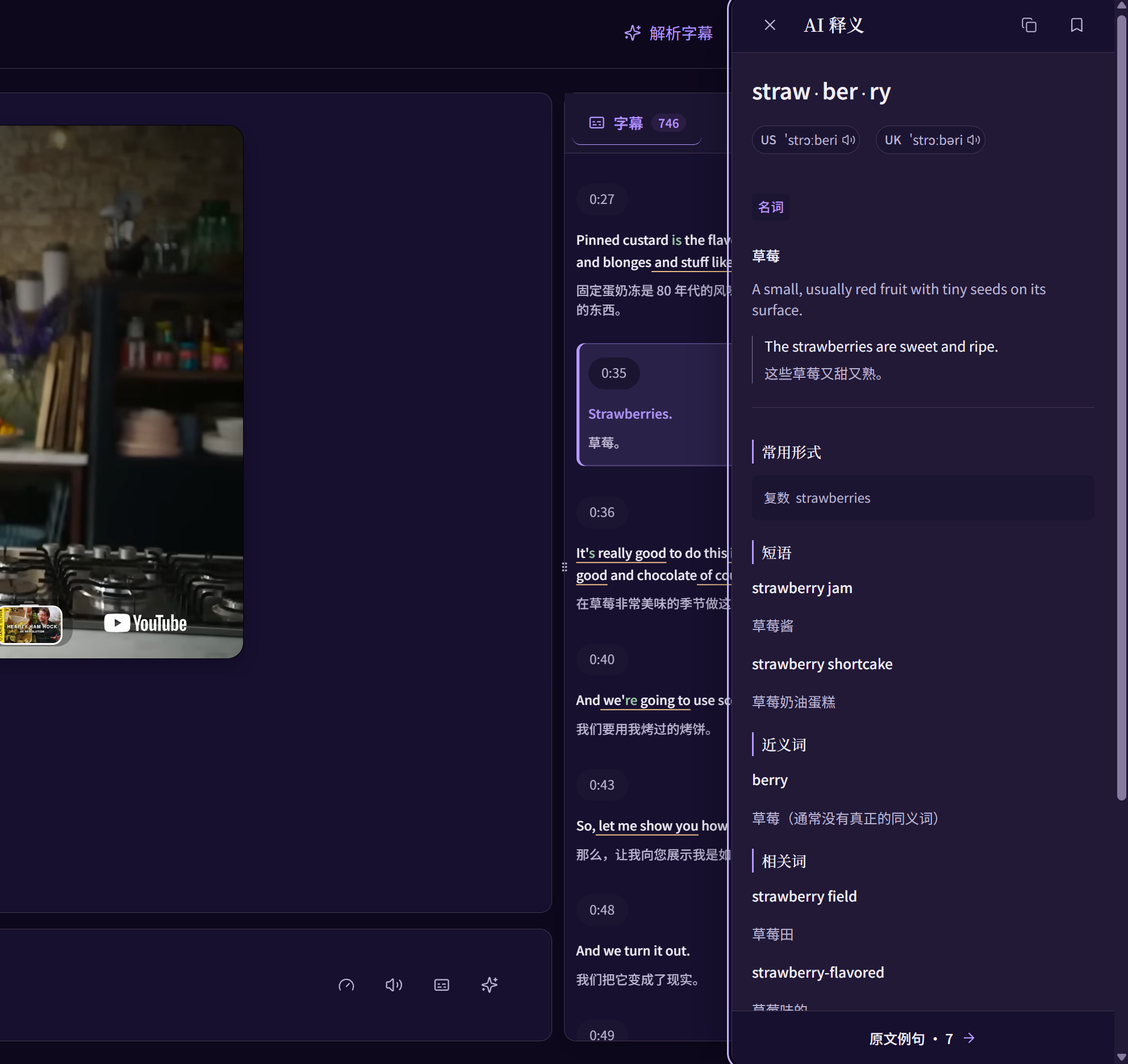
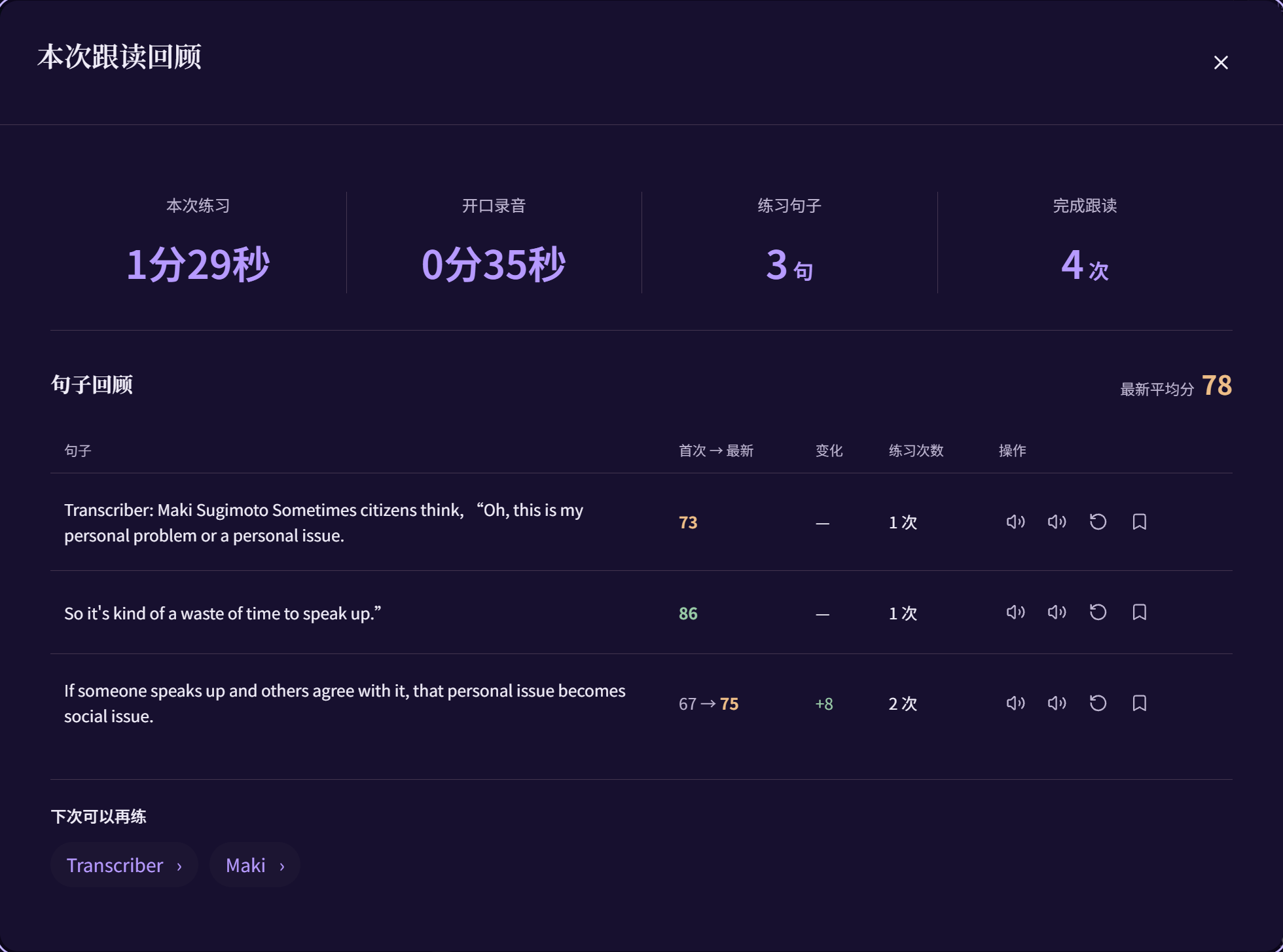
Practise dictation and shadowing. Compare sounds, explore pronunciation feedback, and review the session.
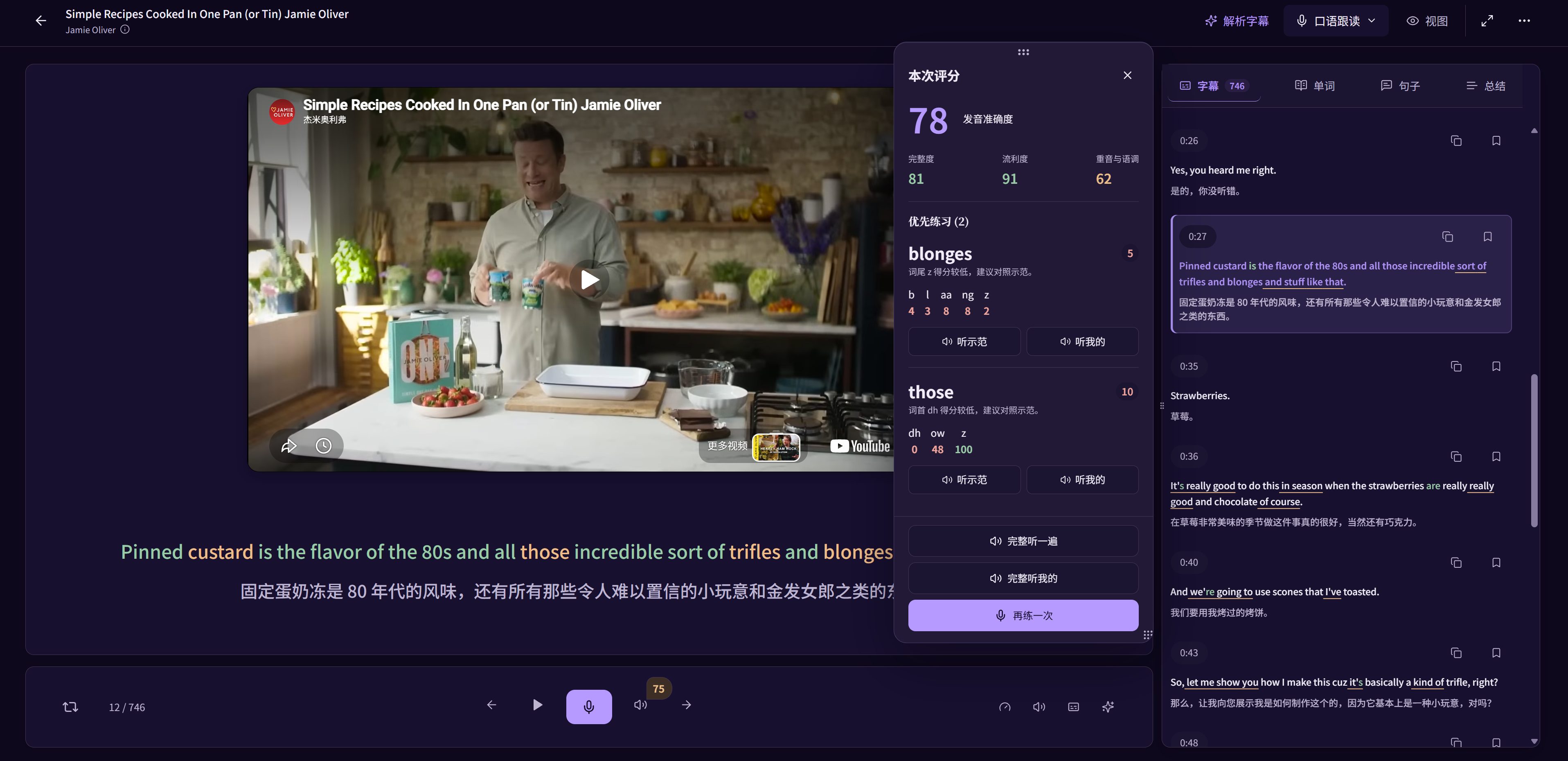
Save words and sentences with their source and your own notes. Keep learning with vocabulary review.
Stay with one sentence. Listen closely, speak, and reflect. Focus on the words that need practice.
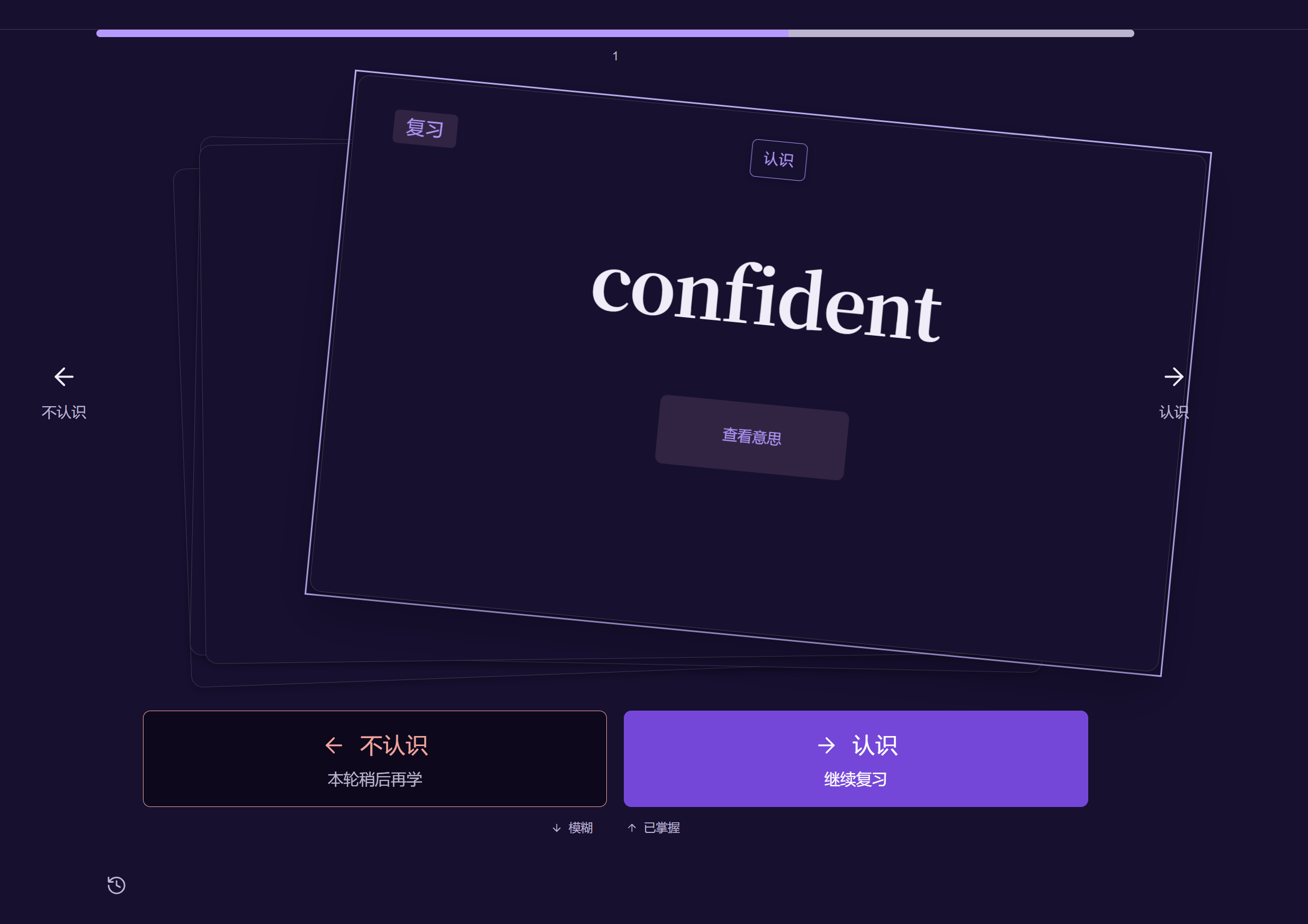
A word in a video. A phrase in a podcast. A line you marked in a book. Bring it back with everything that made it meaningful.
FSRS-powered vocabulary reviewYour vocabulary review schedule follows your learning history.
Get the bigger picture. Look closer at a word. Untangle a sentence. Find a pace that feels like yours.
AI summaries · Vocabulary insights · Sentence analysis · Playback speed
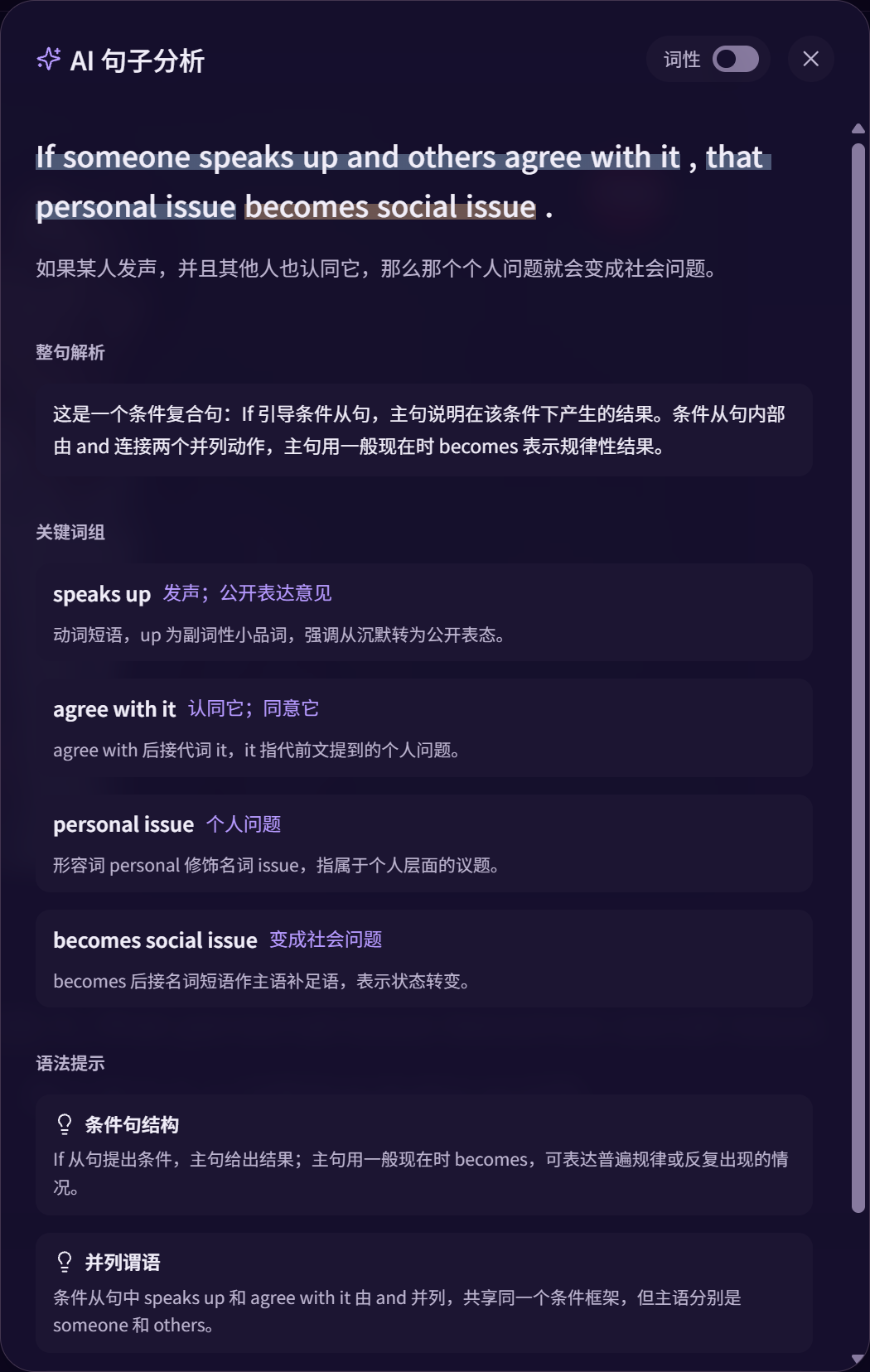
Keep your attention on the content, and the learning connected.
 a lasting differenceA change that continues over time.
The expression, its meaning and its original context. Together.

Learn with YouTube videos and podcasts, or import EPUB, PDF and TXT reading materials. Replay sentences, look up words and practise with the same content.
Review pronunciation scores and word-level feedback, listen to your recording alongside the reference audio, and choose what to practise next.
Yes. Save words and sentences with their source, add your own notes, and return to the original passage or playback position when reviewing.
LearnBit uses FSRS to schedule vocabulary review based on your learning history. Review your cards and record how well you remember each word to plan the next review.
LearnBit supports multiple learning and native languages. Choose both when you start, so translations and explanations match the language you are learning and the language you know.
Choose Start learning, sign in and select your languages. Pick a video, a podcast or your own reading material to begin. You can start with the free plan.
A video. A chapter. A conversation. See where it takes you.
Start learning